
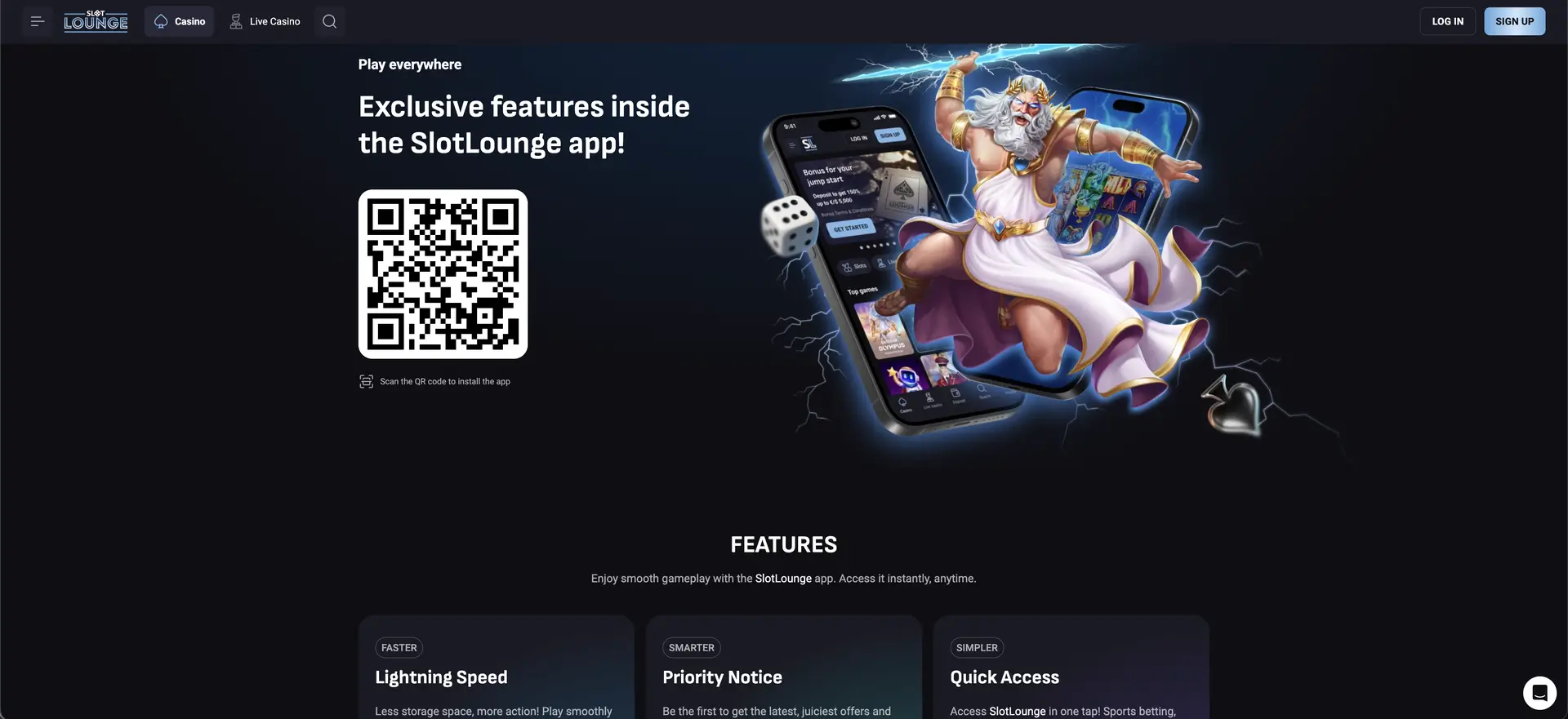
Unlike many operators in this segment, Slotlounge does offer an app. The site promotes an installable application on a dedicated page, with a QR code to scan for installation and a marketing pitch built around lighter storage use, priority notifications and one-tap access. For players who prefer not to install anything, the full platform also runs in the mobile browser - same lobby, same live tables, same AUD cashier and same bonuses.
So the answer to "is there a Slotlounge casino app" is yes, with a caveat worth stating up front: the app is installed by scanning a QR code from the Slotlounge site rather than through the App Store or Google Play, which is common for real-money gambling apps because store policies restrict them. That makes it important to install only from the official site.
This guide covers how to install the app, how to reach Slotlounge through the browser as an alternative, what the mobile version includes, how the AUD cashier behaves on a phone, and the security points specific to installing a gambling app outside the official stores.
| Feature | Details |
|---|---|
| Native app | Yes - installable via QR code from the Slotlounge site |
| Installation route | Scan the QR code on the app page |
| Browser alternative | Full platform in any modern mobile browser |
| iOS access | Safari, Chrome or Firefox - browser, plus home screen shortcut |
| Android access | App install or browser |
| Game catalogue | Identical to desktop |
| Live casino | Streamed on mobile |
| AUD cashier | Full deposits and withdrawals, including card payouts |
| Bonuses | Welcome package, daily reloads, boxes, wheels and code entry |
| App benefits | Lighter storage, priority offer notifications, one-tap access |
| Account | Shared across app and browser |
| Support | Chat widget, 24/7 |
How to install the Slotlounge app
The app page presents a QR code alongside the pitch "Exclusive features inside the Slotlounge app". Installation is straightforward:
- Open the Slotlounge app page on a desktop or another device.
- Scan the on-screen QR code with your phone's camera.
- Follow the prompt to install the app.
- On Android, you may need to allow installation from your browser or from unknown sources - a standard step for apps not distributed through Google Play.
- Open the app and sign in with your existing Slotlounge account, or register.
The account, balance, bonuses and cashier are shared between the app and the browser, so nothing needs to be set up twice.
How to access Slotlounge on mobile without installing
The browser version is a full alternative for anyone who would rather not install an app:
- Open your mobile browser and go to the Slotlounge site.
- Let the page load - the navigation collapses into a menu and the carousels become swipeable.
- Select Log In or Sign Up, confirming AUD if registering.
- Optionally add the site to your home screen for one-tap access without installing the app.
Adding a home screen shortcut on iOS
- Open the site in Safari.
- Tap the Share icon (the square with an upward arrow).
- Tap Add to Home Screen, then Add.
On iOS the browser route with a home screen shortcut is the practical equivalent of an app, since real-money gambling apps are restricted on the App Store.
Features available on mobile
- Full lobby: Slots, Live Casino, New games, Bonus Buy, Instant Win, Jackpot, Hold & Win, Megaways, Table Games and Book Slots, with the Providers panel and search.
- Slots: the same catalogue from BGaming, Betsoft, Booming Games, 1spin4win, NetGame and others.
- Jackpots: the progressive titles including Thunder Coins XXL, Coins of Ra Deluxe and 64 Gold Coins.
- Live casino: roulette, blackjack, baccarat, poker and game shows from ICONIC21, Live Vegas and PLATI+.
- Cashier: the full Payments section with AUD limits - including card deposits and card withdrawals.
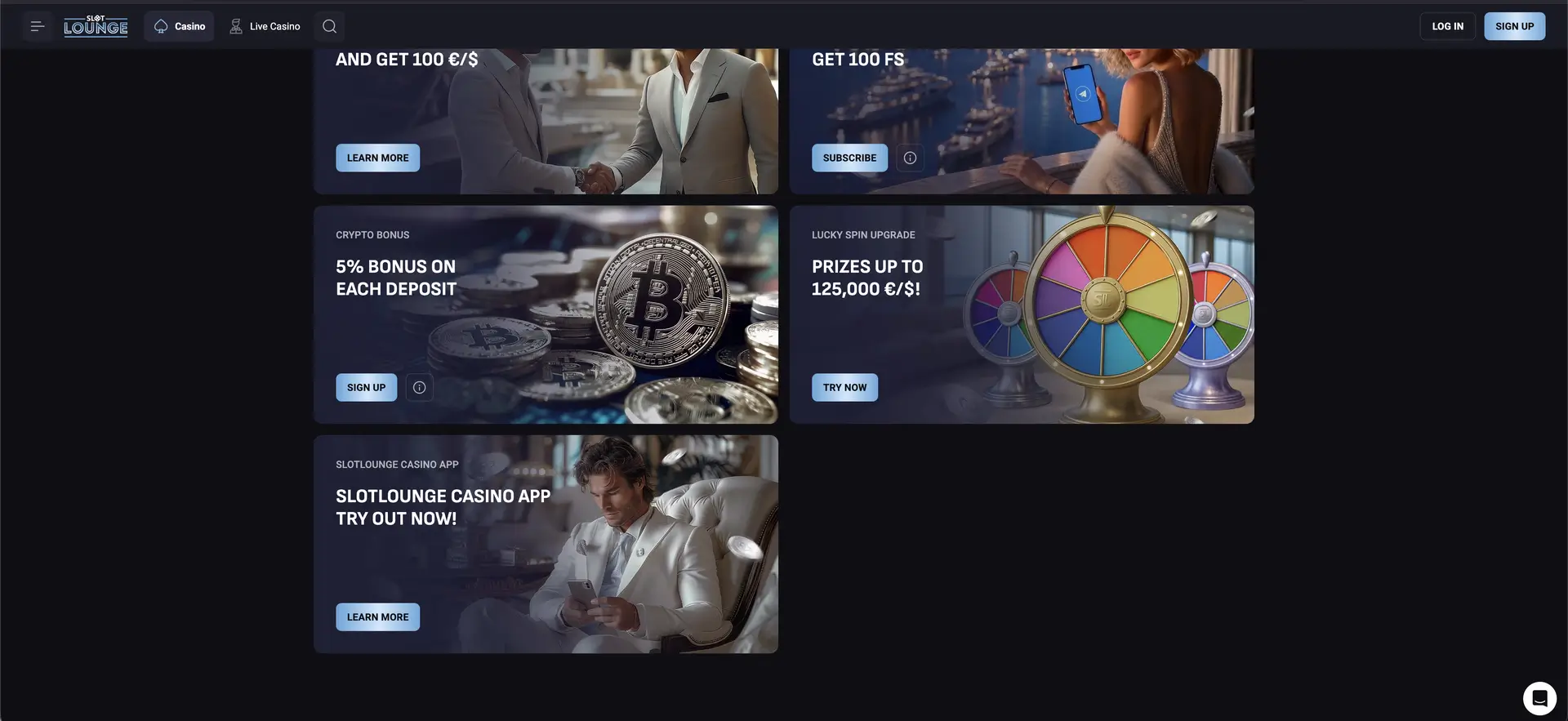
- Bonuses: the four-stage welcome package, the daily reload calendar, Lucky Box, Lucky Spin and code entry.
- Tournaments: entry with live countdowns and leaderboards.
- Loyalty: CP and RCP counters, level progress and the Bonus Shop.
- Support: the chat widget stays anchored across every section.
Getting the best out of mobile play
- Prefer Wi-Fi for live tables. Live streams are bandwidth-heavy and betting windows close on the dealer's schedule regardless of connection.
- Close background apps before a live session to avoid stuttering on older handsets.
- Keep the browser or app updated for live streaming performance.
- Watch data use - live dealer play consumes far more than slots.
- Enter bonus codes carefully - the welcome and reload codes are case-specific and mobile keyboards add automatic capitals.
Mobile payments and withdrawals in AUD
The cashier is not restricted on mobile - the same methods, limits and fee-free processing apply.
| Method | Direction | Minimum | Processing |
|---|---|---|---|
| Visa / Mastercard | Deposit and withdrawal | 20 €/$ | Deposit instant, payout 1–3 banking days |
| Apple Pay / Google Pay | Deposit and withdrawal | 20 €/$ | Instant |
| Bank Transfer | Deposit and withdrawal | 20 in / 100 out | Deposit instant, payout 3–5 banking days |
| Neosurf / Paysafecard | Both | 20 €/$ | Instant |
| Crypto (BTC, ETH, USDT, LTC, DOGE, BCH) | Both | Per coin | Instant |
| MiFinity / eZeeWallet / Postepay | Both | 20 €/$ | Instant |
The convenient detail here is that card withdrawals work on mobile, so a player depositing by card can cash out to the same card without setting up another method. Card and bank payouts run on banking days; e-wallet and crypto payouts are instant at the cashier stage.
Security on the mobile version and app
Because the app is installed outside the official stores, a few precautions carry more weight than usual:
- Install only from the official Slotlounge site. Scan the QR code from the genuine app page, not from a third-party page or a link in a message. Any file or QR code claiming to be the Slotlounge app from elsewhere should be treated as unsafe.
- Set a screen lock on the phone. An app or home-screen shortcut with a saved session means anyone holding the unlocked device can reach the balance.
- Avoid signing in over public Wi-Fi, particularly for cashier activity.
- Protect the Google account if you used the Google fast-track sign-up, since it controls access.
- Complete verification - a verified account is far harder for anyone else to withdraw from.
- Sign out on shared devices rather than closing the app or tab.
Notes for Australian players
- Confirm the account currency reads AUD at registration - it governs cashier limits and is not normally changeable later.
- The app is Android-oriented via QR install; iOS users get the equivalent through the browser and a home screen shortcut.
- Card withdrawals are a genuine advantage on mobile - most competitors do not offer them.
- Mobile access is restricted to players aged 18 and over.
- Support for gambling harm is available through Gambling Help Online on 1800 858 858, free and around the clock.
FAQ
Is there a Slotlounge casino app?
Yes. Slotlounge offers an installable app promoted on a dedicated page with a QR code to scan for installation. The full platform also runs in the mobile browser as an alternative.
How do I download the Slotlounge app?
Scan the QR code on the Slotlounge app page with your phone's camera and follow the install prompt. On Android you may need to allow installation from your browser, a standard step for apps outside Google Play. Install only from the official site.
Is there an iPhone app?
Real-money gambling apps are restricted on the App Store, so iOS users access the full platform through the browser, optionally adding it to the home screen as a shortcut that opens like an app.
Does the app have fewer games than the website?
No. The app and browser share the same catalogue, cashier and bonuses across slots, jackpots, live tables, instant win and table games.
Can I deposit and withdraw in AUD on mobile?
Yes. The full cashier is available, including card deposits and - unusually - card withdrawals. Card and bank payouts run on banking days; e-wallet and crypto are instant at the cashier stage.
Is the Slotlounge app safe to install?
Install it only by scanning the QR code from the official Slotlounge site. Files or codes offered elsewhere are unofficial. Pair the install with a phone screen lock and completed account verification.
Do I need to update the app manually?
The browser version updates automatically on the next page load. For the installed app, follow any in-app update prompts, and keep the phone's browser current for live streaming performance.